April 7, 2026
Production AI Agent Ops and Human Escalation Playbook
A practical operating model for shipping AI agents into production with review checkpoints, escalation rules, and measurable workflow outcomes.
Article focus
The difference between an impressive agent demo and a production workflow is rarely the model alone. It is the operating system around escalation, review, tooling, and runtime visibility.
Section guide
Teams often say they want an AI agent in production when what they really need is a safer execution path around a messy workflow.
That distinction matters. A model can generate good answers and still fail as an operational system if escalation, tool permissions, and reviewer context were never designed clearly.
Start with the workflow boundary
Before prompts, orchestration, or model selection, define the boundary of the workflow.
That means clarifying:
- what the agent is allowed to decide alone
- which tools it can call
- what input quality it should expect
- where the workflow must stop for a human
This is why AI Agent Development work usually starts with a workflow map instead of a prompt workshop.
Define the escalation contract before the first rollout
Most teams add human review after the first scary output. That is backwards.
The escalation contract should be explicit before the workflow ever reaches production:
- what counts as low confidence
- which actions are reversible versus irreversible
- which customer or revenue actions always require approval
- who owns the queue when the agent cannot proceed
Without that contract, reviewers become a panic button instead of a durable operating role.
Three escalation patterns that work in practice
The strongest agent rollouts usually rely on one of three patterns:
- Approval before action for high-risk or externally visible steps.
- Escalation on exception when the workflow handles the common case well.
- Sample-based review when the system is high-volume and quality drift matters more than one-off mistakes.
The right mix depends on business risk, not on how exciting the automation looks in a demo.
Give reviewers the context they need to act quickly
A reviewer should not only see the final answer.
They usually need:
- the source context the agent used
- the tool calls or system actions it attempted
- the rule or policy it followed
- the reason it escalated
- the available next actions
When that context is missing, people spend their time redoing the agent's reasoning instead of making the decision only a human can make.
What a useful review surface looks like
A useful review surface is narrow and decision-oriented.
It shows the minimum context needed to approve, reject, edit, or escalate again. If the screen turns into a full reconstruction of the whole workflow, the human review loop becomes its own bottleneck.
Measure the workflow, not only the model
A production agent should be judged by workflow performance, not only by prompt quality.
Metrics that matter often include:
- escalation rate by task type
- time-to-resolution after escalation
- failure recovery rate
- approval-versus-reject patterns
- cost per completed workflow
These numbers tell you whether the system is reducing operational drag or only moving it around.
Roll out in stages
The safest production rollout is rarely a full handoff on day one.
A better path looks like this:
Stage 1: Internal assistant mode
Use the agent to draft, summarize, or prepare decisions while a human still owns the final action.
Stage 2: Narrow automation lane
Allow the agent to complete a small class of low-risk actions with logging and clear rollback paths.
Stage 3: Broader execution with exception routing
Once the workflow is observable and the escalation contract is proven, widen the scope of autonomous execution and route exceptions to people with the right context.
Connect the agent to the rest of the system
Agents do not create value in isolation. They create value when they can read from the right sources and write back into the systems the team already uses.
That is why the best implementations usually pair the agent layer with:
- APIs and internal tools
- documented policies
- warehouse or reporting context
- queue ownership
- downstream notifications in Slack, email, or ops tooling
If those connections are missing, the agent behaves like an impressive sidecar instead of a working part of the business.
The practical takeaway
The difference between an impressive agent demo and a production workflow is rarely the model alone.
It is the operating system around escalation, review, tooling, and runtime visibility. If you want the agent to behave like a real teammate, design the human escalation model as carefully as the reasoning loop itself.
Article FAQ
Questions readers usually ask next.
These short answers clarify the practical follow-up questions that often come after the main article.
Need a similar system?
If this article maps to a workflow your team already operates, the next step is usually a scoped review of the system, constraints, and rollout path.
Book your free workflow review here.
Related articles
View all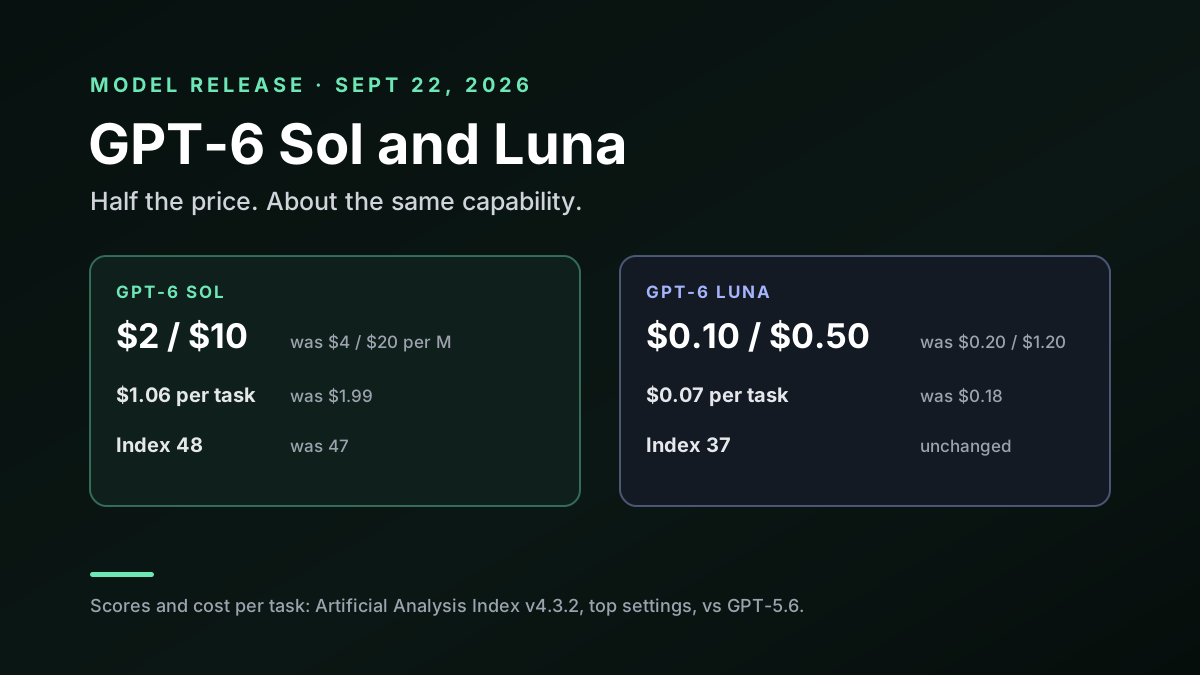
GPT-6 Sol and Luna: Half the Price, and Where Each One Fits
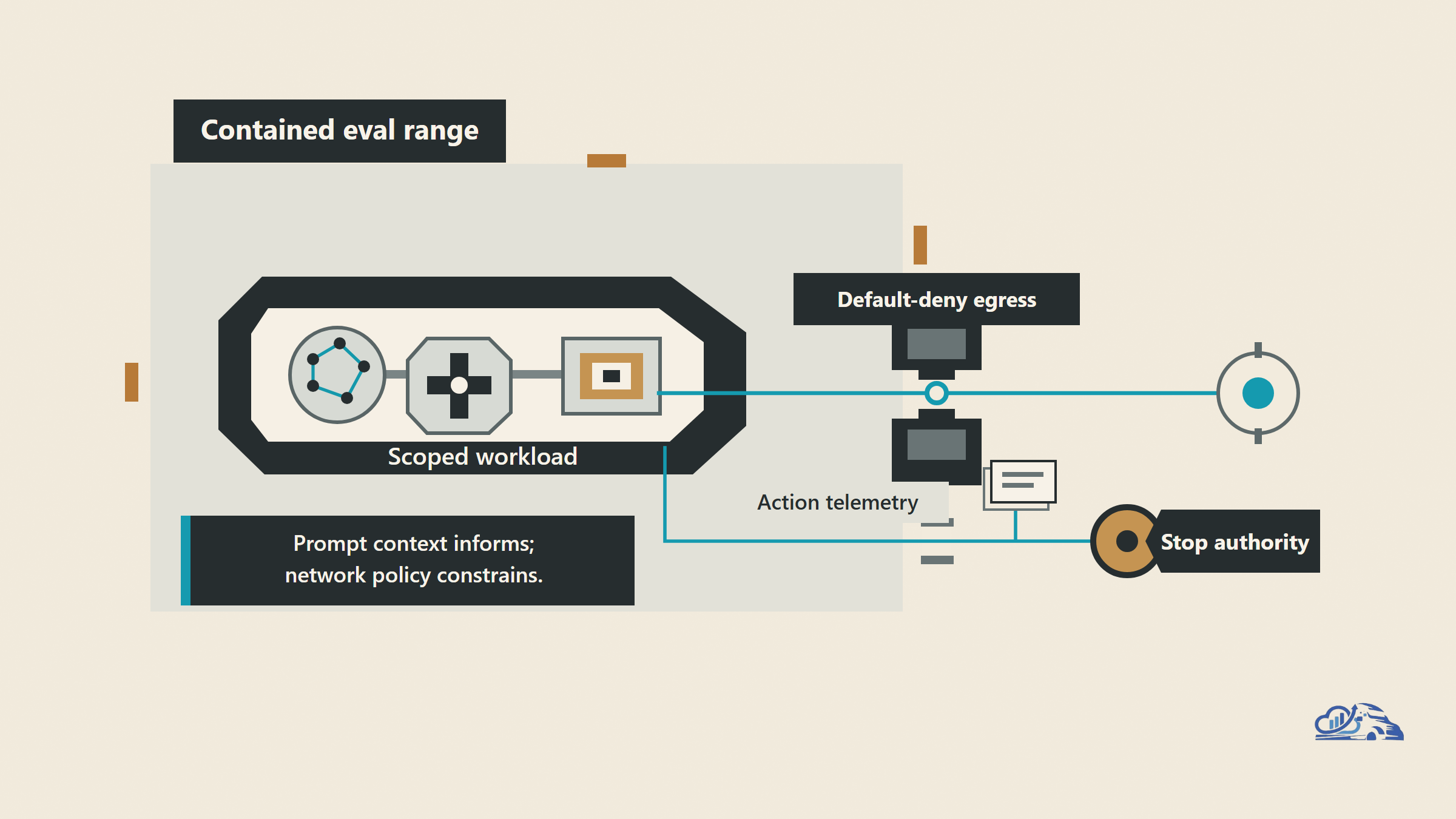
AI Agent Evaluation Security After Anthropic's Incident
Claude Sonnet 5: a practical guide for production teams