Web Scraping Automation for Protected Sites: What Actually Keeps Collection Stable
A practical guide to building web scraping systems that survive protected targets, retries, proxy rotation, and production monitoring.
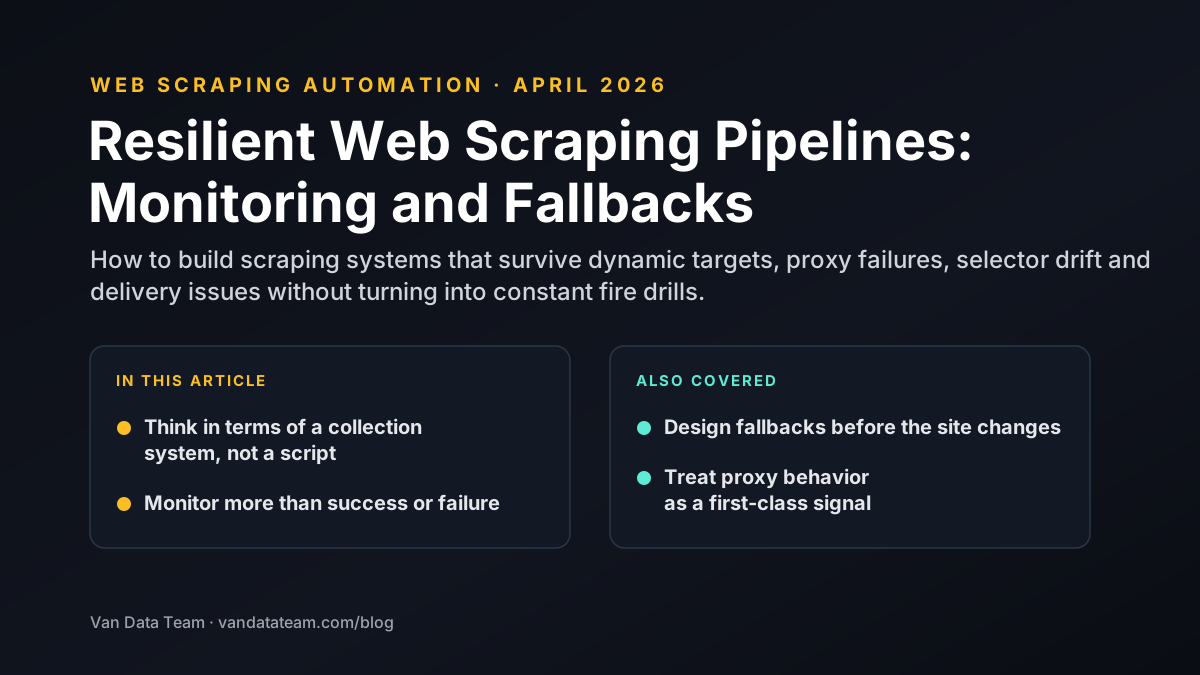
The biggest mistake teams make with web scraping is treating it like a one-time script problem.
That approach works for open, stable pages. It falls apart when the target uses browser checks, dynamic rendering, session logic, or anti-bot controls. At that point, the challenge is no longer scraping code alone. It is systems design.
Protected targets punish brittle collection
Protected sites tend to break naive approaches quickly. Common failure points include:
- IP-based throttling
- browser fingerprint detection
- dynamic page rendering
- token or session expiry
- markup changes that break selectors
If the collection logic has no resilience layer, the system becomes a cycle of silent failures and emergency fixes.
Stable collection starts with the right browser strategy
One of the first design choices is whether the workflow can use lightweight HTTP requests or needs browser automation. When JavaScript rendering, session state, or interaction patterns matter, browser tooling becomes the safer option.
Playwright is often strong here because it gives teams:
- modern browser control
- better handling of dynamic UIs
- deterministic waits and selectors
- a clearer path for retries and observability
The browser is only part of the solution, but it is often the layer where collection stability begins.
Proxy strategy should match the target, not follow a default recipe
Proxies matter, but not every target needs the same setup.
Good collection systems decide:
- when a static pool is enough
- when rotating proxies are required
- how to separate session-aware traffic from high-volume fetches
- how to monitor failure rates by proxy group
Using more proxies than necessary raises cost. Using too few proxies against a defended target leads to instability. The right answer depends on the target behavior and the acceptable failure rate.
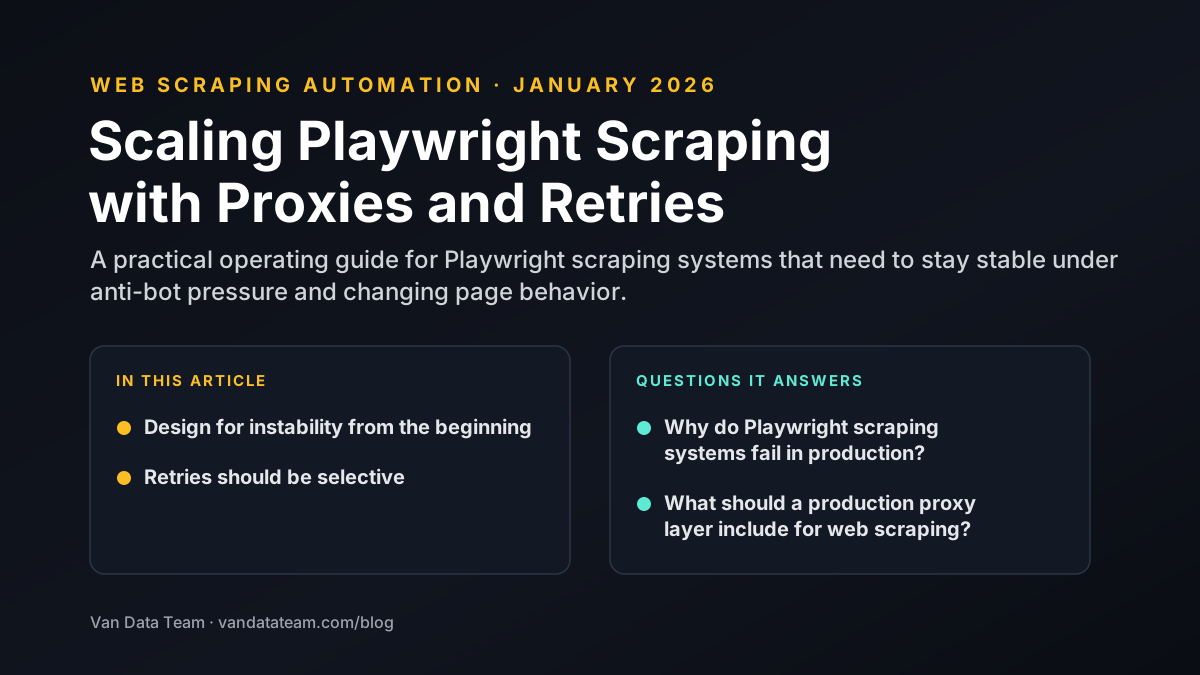
Retries need policy, not only repetition
Many teams add retries, but weak retry logic can make problems worse. A stable system needs to understand why a run failed before it decides what to do next.
That usually means separating:
- transient network failures
- browser launch or page-load failures
- block signals from the target
- parsing failures after content was retrieved
Each class of failure deserves a different response. Some should retry immediately. Others should rotate identity, back off, or surface to monitoring for review.
Monitoring is what turns scraping into an operating system
Without monitoring, collection issues stay invisible until downstream teams notice missing data.
A production scraping workflow should surface:
- success rates by target and route
- selector failure patterns
- retry volume and exhaustion
- proxy health and block rates
- freshness gaps in delivered data
That visibility is what keeps collection useful after the first deployment.
The takeaway
Protected-site scraping is rarely won by a single clever script. It is won by designing a system that expects friction and stays observable when conditions change.
If the data matters to the business, the scraping layer has to be treated like production infrastructure. That is the difference between occasional extraction and reliable web scraping automation.

Founder of Van Data Team. Builds Vanaxity, the AI agent system for SEO, GEO, and AEO, and leads data engineering delivery for B2B teams.
About the authorArticle FAQ
Questions readers usually ask next.
These short answers clarify the practical follow-up questions that often come after the main article.
Need a similar system?
If this article maps to a workflow your team already operates, the next step is usually a scoped review of the system, constraints, and rollout path.
Consultation
Scope your next AI workflow.
Share the system and blockers. We will map fit, gaps, and the next step.