Tutorial: Turning an Ops Brief into an Executable Automation Scope
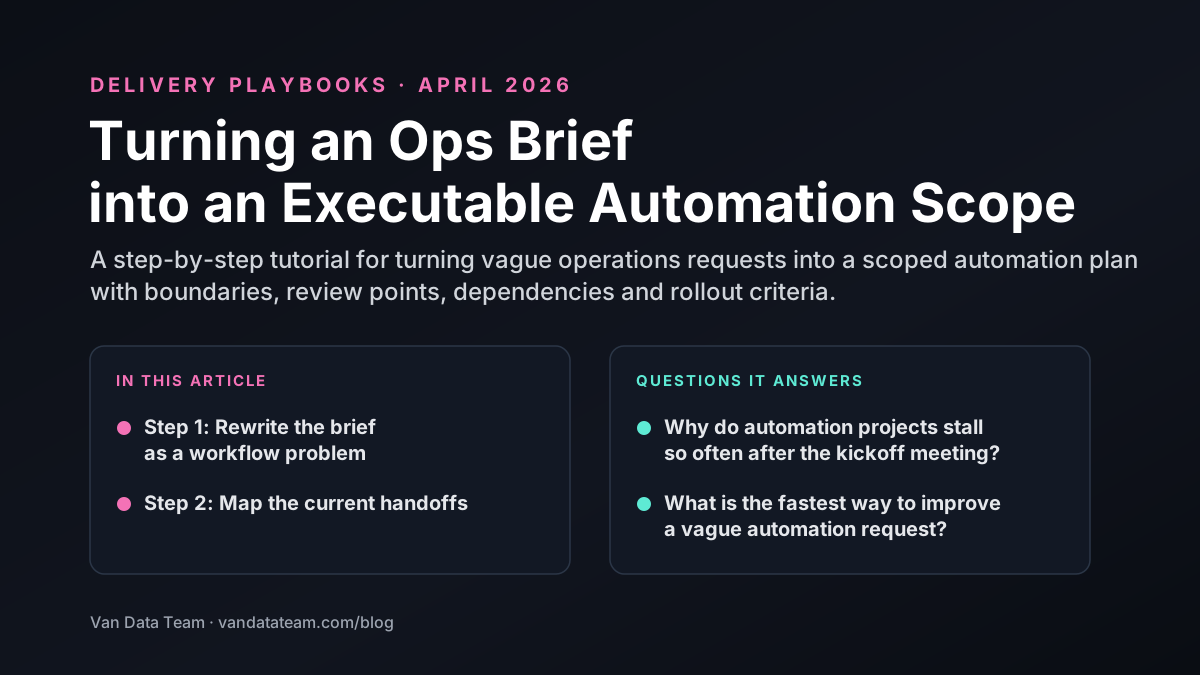
A step-by-step tutorial for turning vague operations requests into a scoped automation plan with boundaries, review points, dependencies and rollout criteria.
Most automation requests start as a symptom, not a scope.
You hear things like:
- "This report takes too long."
- "We need AI to help with support."
- "This ops workflow is too manual."
The job is to translate that symptom into a workflow contract a team can actually build, test, and launch.
Step 1: Rewrite the brief as a workflow problem
A useful automation brief answers a different set of questions than the original request.
Instead of "Can we automate this?" ask:
- what triggers the workflow
- what systems provide input
- what decisions happen inside the flow
- where the output needs to land
- who owns exceptions
If the workflow cannot be described in those terms yet, the request is not ready for implementation.
For teams still deciding between service lanes, the quickest starting point is often the overview on Services.
Step 2: Map the current handoffs
Most manual work is not only one task. It is a sequence of handoffs.
Map:
- where the work begins
- who touches it next
- what information is usually missing
- where approvals happen
- what creates rework
This is where scope gets clearer. Sometimes the real opportunity is AI Agent Development. Other times it is a reporting workflow, data pipeline, or scraping pipeline that is feeding the messy downstream process.
Step 3: Mark the risky decisions
Every automation scope needs risk checkpoints.
Look for decisions that are:
- customer-facing
- financially meaningful
- compliance-sensitive
- hard to reverse
- dependent on messy source data
These are the moments where human review, policy rules, or staged rollout usually matter most.
Step 4: List the data and systems involved
Teams often underestimate how much of the effort lives in the system boundary, not the workflow logic.
Document:
- source systems
- access requirements
- destination systems
- update cadence
- missing or unreliable fields
If these dependencies stay vague, the build turns into discovery work halfway through the implementation.
Step 5: Define success like an operator
Avoid success metrics that only sound technical.
Good automation success criteria usually sound operational:
- reduce handling time by a clear percentage or time target
- shorten reporting turnaround
- improve data freshness for a critical workflow
- cut manual exception volume
- lower the number of times a human has to re-enter the same data
The point is to describe what changes for the team after launch.
Step 6: Split the scope into rollout stages
A strong automation plan is rarely one big release.
Use stages such as:
Stage 1: Assisted workflow
The system drafts, summarizes, or routes work while humans still own the final action.
Stage 2: Narrow autonomous lane
The workflow handles a low-risk slice automatically with logging and rollback paths.
Stage 3: Wider rollout with exception handling
The automation expands only after the team proves the controls, data quality, and review model under live usage.
Step 7: Write the scope in plain language
Before kickoff, the final scope should be easy for both technical and non-technical stakeholders to read.
A useful short scope document usually contains:
- the workflow goal
- triggers and outputs
- systems involved
- review checkpoints
- risks and exclusions
- rollout stages
- success metrics
If the scope needs a live translator in every meeting, it is not ready yet.
The takeaway
Automation projects move faster when the team stops treating the brief like a wish list and starts treating it like a workflow contract.
That contract creates the shared language needed to choose the right service lane, define the safe rollout path, and turn vague urgency into executable work.

Founder of Van Data Team. Builds Vanaxity, the AI agent system for SEO, GEO, and AEO, and leads data engineering delivery for B2B teams.
About the authorArticle FAQ
Questions readers usually ask next.
These short answers clarify the practical follow-up questions that often come after the main article.
Need a similar system?
If this article maps to a workflow your team already operates, the next step is usually a scoped review of the system, constraints, and rollout path.
Consultation
Scope your next AI workflow.
Share the system and blockers. We will map fit, gaps, and the next step.