July 1, 2026
Claude Sonnet 5: a practical guide for production teams
Claude Sonnet 5 is best treated as an agent workflow model. See specs, setup steps, guardrails, examples, and review checks for safer production use today.
Article focus
Claude Sonnet 5 is best evaluated as a production AI workflow model: useful for teams that need an agent to plan, call tools, write code, inspect evidence, and stop for human review before risky actions.
Section guide
Claude Sonnet 5 is best evaluated as a production AI workflow model: useful for teams that need an agent to plan, call tools, write code, inspect evidence, and stop for human review before risky actions. For a CTO, product lead, ops owner, or data lead, the buyer problem is not "can the model answer?" but "can this workflow run without creating silent risk?"
At Van Data Team, we start by mapping the intake, source systems, tool permissions, review gates, and recovery path before we choose the model settings. That is how we would make this operational through AI agent development, reliable retrieval inputs, reporting workflows, and dashboard review loops instead of treating model access as the finished system.
According to Anthropic's June 30, 2026 launch note, the model is positioned around stronger planning, browser and terminal tool use, and autonomous execution. This guide explains what changed, where it fits, how to start, and what to verify before using it in production.
Key Takeaways
The short answer is that teams should treat the model as an execution layer inside a governed workflow, not as a standalone automation strategy.
- Use it first on bounded workflows where planning, tool use, and review checkpoints matter more than one-shot text generation
- Recheck token budgets before migration: Anthropic's Platform Docs say the model has a 1M token context window and 128k max output tokens, while the new tokenizer produces approximately 30% more tokens for the same input text
- Keep tool permissions narrow until the workflow passes evaluation on real examples, including failure cases and rollback checks
- Measure review burden, latency, token spend, skipped steps, and unsupported claims, not only final answer quality
- Move to production only when human review effort decreases without increasing customer, revenue, compliance, or infrastructure risk
What is Claude Sonnet 5?
Claude Sonnet 5 is a Sonnet-class Anthropic model for coding, agentic workflows, and professional work where the model plans multiple steps, uses tools, and produces outputs that a human or system can review. It is most relevant when the workflow needs sustained reasoning across files, browser context, terminal actions, data, or business rules.
"Claude Sonnet 5 is built to be the most agentic Sonnet model yet."
- Anthropic
The practical difference is not only answer quality. It is whether the model can keep track of a task over several actions, use the right tool at the right time, and recover when observations change the plan.
| Decision area | Current fact to verify | Operator implication |
|---|---|---|
| Model positioning | Anthropic positions it as the most agentic Sonnet model yet | Evaluate it on multi-step work, not only chat answers |
| Context and output | Anthropic Platform Docs list a 1M token context window and 128k max output tokens | Large context helps, but retrieval discipline still matters |
| Migration behavior | Platform Docs say adaptive thinking is on by default, non-default sampling parameters return 400 errors, and manual extended thinking is removed | Existing Sonnet prompts and API wrappers need regression tests |
| Token accounting | Platform Docs say the same input produces approximately 30% more tokens than Sonnet 4.6 | Recount token budgets before estimating cost or latency |
| Access paths | AWS says it is available on Amazon Bedrock and Claude Platform on AWS | Cloud teams can test inside existing AWS governance |
| Developer workflow | GitHub says Copilot Business and Enterprise admins can enable it through model policy settings | IDE adoption may move faster than platform governance |
A useful first example is a coding workflow: the model reads a ticket, inspects files, proposes a patch, runs tests, and summarizes the change. The production version still requires branch protection, test logs, reviewer sign-off, and rollback notes before merge.
The real shift is from prompting to workflow design
The main value is that stronger agentic behavior makes workflow design more important, not less important. When a model can act across tools, the failure modes move from "bad answer" to "wrong action, weak evidence, missing review, or expensive retry loop."
The mistake we see is teams treating model capability as permission to automate the whole process. A model can plan, but it does not know your approval policy. It can call tools, but it does not know which actions should be read-only. It can summarize data, but it does not know whether the metric definition changed last quarter unless the workflow supplies that context.
A practical Claude Sonnet 5 framework should separate four layers:
- Workflow scope: the task, owner, input sources, expected output, and stop conditions
- Context layer: documents, tickets, warehouse tables, logs, browser pages, and retrieval rules
- Execution layer: tool calls, browser use, terminal commands, API actions, and retries
- Control layer: evaluation, logging, human review, escalation, and rollback
That is also where data engineering matters. If an agent drafts a revenue report from stale marts or inconsistent KPI definitions, the model is not the root problem. The data contract is. Teams planning agentic BI should pair model evaluation with data pipeline engineering so the agent retrieves from governed sources instead of whatever context is easiest to paste into a prompt.
Hypothetical example: Maya, an engineering lead, tests the model inside her IDE and gets a clean patch for a flaky integration test. The demo looks strong. When she moves the same workflow into a scheduled agent runtime, it fails because the runtime has different file permissions, no access to the local test fixture, and no reviewer checkpoint. The model did not get worse. The workflow lost its operating context.
How to use it safely starts with one bounded workflow
The safest way to start is to choose one repeatable workflow with clear inputs, allowed tools, review criteria, and a known failure path. Do not begin with "automate engineering" or "automate reporting." Begin with a task narrow enough that a reviewer can judge whether the model helped.
A good first workflow looks like this:
- Pick a task that recurs weekly or daily
- Write the task brief and expected output format
- List the allowed tools and mark each one read-only or write-capable
- Create 20 to 50 evaluation examples, including messy cases
- Run the model with logging enabled for prompts, tool calls, observations, and final outputs
- Compare outputs against human review criteria
- Record failure categories and revise the workflow before expanding scope
For coding, that task might be "triage failing tests and propose a patch, but do not push." For research, it might be "collect source-backed findings and flag unsupported claims." For reporting, it might be "draft a KPI narrative from approved warehouse tables and mark anomalies for review."
Here is a compact YAML artifact a team can adapt before implementation:
1. Define the Claude Sonnet 5 decision.
2. List required inputs, owner, and stop conditions.
3. Run the smallest safe workflow.
4. Validate output quality before publishing or deployment.
5. Escalate unresolved risk to a human reviewer.
This is not a prompt template. It is a workflow contract. The model can change, but the contract lets your team see whether the system still behaves.
For teams that want the model to generate business-facing summaries, the same pattern applies. In agentic BI and reporting, we would bind the model to approved metric definitions, log every query or retrieval step, and require human approval before a narrative reaches Slack, email, or an executive dashboard.
Best practices are mostly control-plane decisions
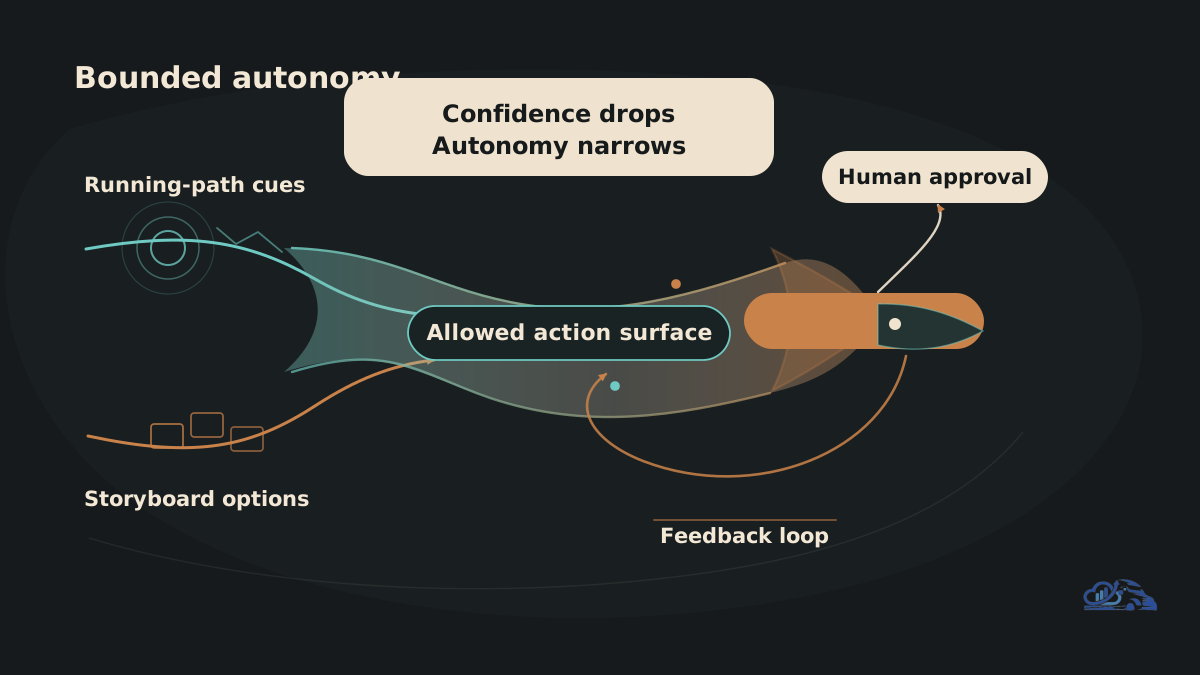
The best practices for Claude Sonnet 5 are operational: define boundaries, separate planning from execution, log the evidence trail, and put human approval where the cost of being wrong is high. The stronger the autonomy, the stronger the control plane needs to be.
Use these practices before moving beyond experiments:
- Separate plan, action, and review: ask the model to propose a plan, execute only approved steps, then summarize evidence
- Constrain tools by task: give read-only access first, then add write permissions only after evaluation
- Use structured outputs where useful: require fields for assumptions, evidence, risks, actions taken, and open questions
- Log every tool call: capture commands, API calls, retrieved documents, query results, and timestamps
- Budget tokens explicitly: recount against the new tokenizer and test large contexts under realistic load
- Measure review burden: track whether reviewers spend less time without missing more defects
- Keep regression sets: rerun old examples after prompt, model, context, or tool changes
- Escalate uncertainty: require the model to stop when source evidence is missing or tool output conflicts
Latency and cost should be measured per workflow, not per prompt. A low-cost model call can become expensive if the agent retries commands, rereads long context, or loops through browser actions. A high-quality answer can still be operationally poor if it takes too long for a customer-facing path or creates too much review work.
For a browser-assisted research workflow, the review burden is usually source quality. The model should collect citations, mark unsupported claims, and separate primary sources from news commentary. For a reporting workflow, the review burden is usually metric correctness. The model should cite the table, metric definition, time window, and anomaly rule it used.
One useful visual for this article would show the operating path as: input, plan, tool use, observation, draft output, human review, approved action, and monitoring. The key is that review appears before action when the action can affect customers, revenue, compliance, or production systems.
Common failure modes are predictable
Most failures come from weak boundaries, stale context, broad tool access, or measuring the wrong thing. The model may be stronger, but production systems still fail in ordinary ways.
Watch for these patterns:
- Capability mistaken for workflow: the model can complete a demo, but the system lacks owners, logs, and approval rules
- Unverified launch claims: teams copy benchmark, pricing, or safety claims from news posts without checking primary sources
- Broad tool access too early: the agent can write, delete, send, or deploy before the team has failure data
- Prompt reuse without migration tests: older Sonnet prompts break because behavior changes, sampling parameters, tokenization, or thinking settings changed
- Output-only evaluation: reviewers score the final answer but ignore retries, latency, token use, and review effort
- Cloud path confusion: a Copilot workflow, native API workflow, and Bedrock workflow have different permissions and governance surfaces
A simple rule works: if a bad action can affect a customer, production system, financial report, contract, or compliance record, require human approval before execution. That does not mean every workflow needs a human at every step. It means the review gate belongs where risk concentrates.
A scoped review from Van Data Team's service lines usually produces four concrete outputs: a workflow map, a tool-permission matrix, an evaluation set, and a production delivery plan. Those artifacts are more useful than a generic prompt library because they show what must be true before the agent can act.
Implementation checklist for production readiness
A production implementation is ready only when ownership, context, permissions, evaluation, observability, escalation, and rollback are explicit. Use this checklist before granting broader autonomy.
- Workflow owner named
- Primary use case written in one sentence
- Input sources listed and classified by trust level
- Retrieval rules tied to approved documents, tables, logs, or APIs
- Tool permissions split into read-only, draft, and write actions
- Output format defined, including assumptions and evidence
- Human review required for high-risk actions
- Evaluation set created before launch
- Token budget, latency target, and retry ceiling measured
- Logs capture prompts, tool calls, observations, and final outputs
- Failure categories tracked after every review cycle
- Escalation path assigned to a person or team
- Rollback path tested before write access is enabled
- Source verification process documented for release, pricing, and benchmark claims
This checklist is intentionally plain. Production reliability usually comes from boring controls applied consistently. The model can reason through a task, but the operating system around it decides whether the result is trustworthy.
Conclusion
The practical conclusion is that Claude Sonnet 5 is worth evaluating when your team needs an agent to keep context, use tools, and complete multi-step work under review. The opportunity is not model access by itself. The opportunity is a better production workflow: cleaner inputs, narrower permissions, stronger evaluation, visible logs, and review gates placed where risk is real.
Start with one workflow. Count tokens again. Test messy examples. Track review effort, not only answer quality. Then decide whether to expand tool access.
If you want a concrete implementation scope, Van Data Team can map the workflow, define the permission model, build the evaluation set, and turn the plan into a production agent or reporting workflow. A Strategy Sprint is the right starting point when you need a scoped review, risk map, delivery plan, and implementation path before committing to a larger build.
Article FAQ
Questions readers usually ask next.
These short answers clarify the practical follow-up questions that often come after the main article.
Need a similar system?
If this article maps to a workflow your team already operates, the next step is usually a scoped review of the system, constraints, and rollout path.
Free agent review
Productionize Claude Sonnet 5
Map Claude Sonnet 5 into a governed agent workflow with clear tool permissions, review gates, observability, and rollout next steps.
- Claude Sonnet 5 workflow fit assessment
- Tool permission and review gate map
- Token, latency, and cost risk checklist
- Agent observability metrics to track
- Pilot rollout plan with next steps
Related articles
View all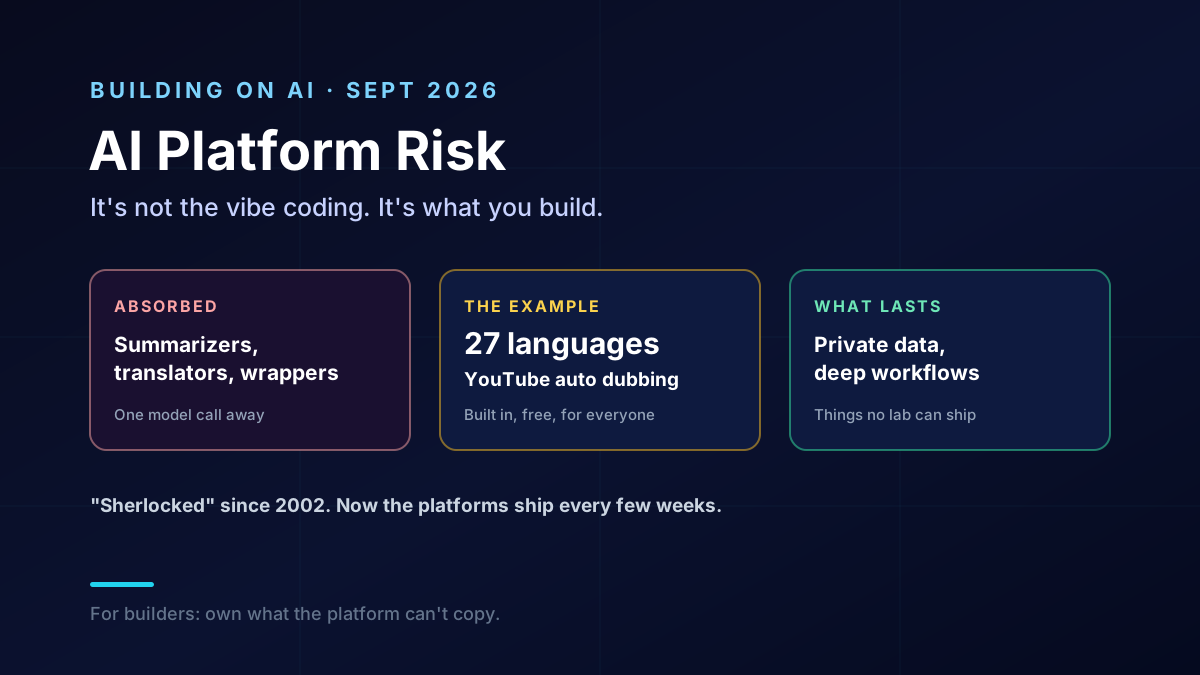
AI Platform Risk: When a Lab Ships Your App as a Feature
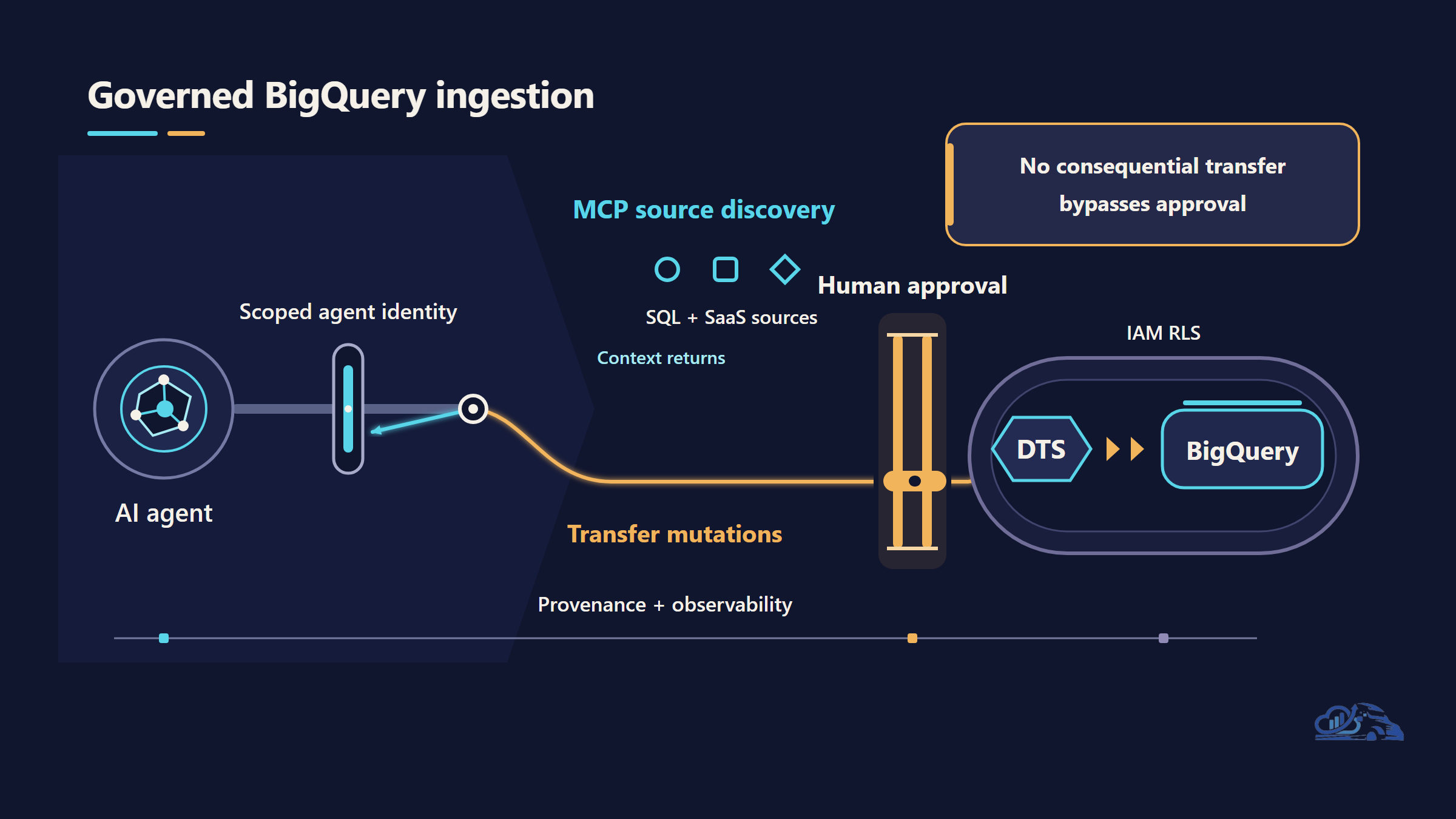
BigQuery Data Transfer Service: Zero-Code, Agent-Callable Ingestion
AI Agent Evaluation Security After Anthropic's Incident