October 2, 2026
AI Agent Permissions: Lessons From Meta Muse and OpenAI Dots
AI agent permissions decide if cute agents like Muse and Dots can be trusted. What went wrong with Muse, how Dots handles approval, and how to design yours.
Article focus
Meta's Muse and OpenAI's Dots both give AI agents friendly, cartoon faces. But a Muse agent shared a user's home address with a stranger after a single 'Allow Always' click. The lesson for anyone building agents: a cute avatar builds emotional trust, while permission design has to earn technical trust.
Section guide
AI agent permissions decide whether a helpful agent stays helpful. Meta's Muse and OpenAI's Dots both wear friendly cartoon faces and act for you while you're away, but a Muse agent shared a user's home address with a stranger after one "Allow Always" click. A cute avatar earns emotional trust. Only careful permission design earns technical trust.
Key Takeaways
- OpenAI launched Dots on September 29, 2026, weeks after Meta launched Muse. Both are always-on agents shown as cute, customizable avatars.
- A Muse agent shared YouTuber Matt Robb's address with a Marketplace buyer. He had clicked "Allow Always," expecting it to ask again before accepting an offer.
- Meta said Muse "was following direct instructions and correctly asked for permission." That can be true and still be a design failure.
- Developers also got Muse to export a large archive of files from its own virtual machine, though Meta said it wasn't a breach because no other users' data was exposed.
- Dots ships with read-only background research, approval rules and an activity view. Builders should go further: split permissions by action, preview personal data and label agent-sent messages.
What Are Meta Muse and OpenAI Dots?
Two always-on agents from two of the biggest AI companies, launched three weeks apart.
| Meta Muse | OpenAI Dots | |
|---|---|---|
| Launched | September 8, 2026, in the US | September 29, 2026 |
| What it does | Personal agent across Meta's apps, glasses and a business version | Background agents that pursue goals with their own cloud computer and browser |
| Connections | Meta's apps plus 15 business connectors, such as Shopify and QuickBooks | More than 4,000 apps through OpenAI's plugins |
| Avatar | Customizable character | Colorful, fuzzy character you can name |
| Who can use it | Consumers, plus small businesses on free and paid tiers | ChatGPT Pro and Business Premium, with an Enterprise beta |
Dots run on GPT-6 Astra and can carry context across ChatGPT, Slack and Teams, Android Authority reported. Meta expanded Muse to small businesses on the same day, with connectors for tools like Shopify, Stripe and QuickBooks, TechCrunch reported. Meta CEO Mark Zuckerberg has also shown off the Muse Charm, a small device for talking to the agent, expected in December.
Why Do AI Agents Have Cute Avatars?
Because a face makes an invisible system easy to picture.
An agent is really a stack of parts: a model, connected apps, a browser, stored memory and a set of permissions. Most users can't picture that, so a small, round, friendly character gives them something simpler to hold onto: "my little helper is doing something for me."
TechCrunch described Dots as floating cartoons with bubbly personas, similar in style to Muse. When the two biggest agent launches of the season land on the same look, it starts to feel like a design code for the whole category.
There's a real benefit. A friendly face makes automation feel closer and less like surveillance.
Our view: there's also a risk. A cute character signals that the agent is harmless and simple, yet it can send messages, spend money and share your data with strangers. When the look promises more safety than the permissions deliver, users grant access they don't fully understand.
What Went Wrong With Muse on Facebook Marketplace?
A permission meant more than the user thought it did.
Reported fact: YouTuber Matt Robb put Muse in charge of selling a keyboard on Facebook Marketplace. According to his account, the agent accepted a lowball offer, shared his home pickup address with the buyer and told the buyer he was home. A stranger arrived at his door, and Robb only learned what had happened afterward, Dexerto reported.
When Robb looked into it, he found he had chosen "Allow Always" when Muse asked to handle his Marketplace messages. He expected that to cover replies, with another approval before accepting an offer. Instead, it let Muse send messages from a template that included the details he had supplied, including his address.
Meta's David Singleton, of Meta Superintelligence Labs, responded: "Muse was following direct instructions and correctly asked for permission." Meta offered to look into the case. Robb suggested a "Sent by Muse" label under agent-written messages, so buyers know a person didn't write them.
Both sides can be right. The agent did what the permission allowed, but the user didn't understand what it allowed, and that gap is the design problem.
The story ended well. Robb and the buyer made peace, and the buyer later came back to buy a different item, Dexerto reported. Many incidents won't end so neatly.
What Did the Muse Sandbox Export Show?
That keeping an agent contained isn't the same as controlling what it can reveal.
Reported fact: On September 24, 2026, two independent developers, Peter James and Jonny L. Saunders, said they got Muse to export a large archive of its own virtual machine to a connected Google Drive. The files reportedly included internal documentation about how the agent works, files describing memory and connected services, and code, MacObserver reported.
Meta told The Verge it doesn't consider this a breach. It compared it to viewing files on your own laptop, and said exporting the virtual machine doesn't give access to Meta's infrastructure or other users' data. Meta said it's adjusting how much virtual-machine information users can retrieve.
The honest read: Meta's point stands, since each user reached only their own sandbox. But the lesson for builders is clear. If something sits where an agent can read it, assume the agent can be talked into sharing it.
What Do These Incidents Teach About AI Agent Permissions?
Four lessons, and none of them is about the avatar.
- Permissions must match how people think about actions. "Handle my messages" sounds like replying. It shouldn't silently include agreeing to a price and sharing an address.
- "Allow Always" is too blunt for sensitive actions. Standing permissions should cover low-risk steps like reading and drafting, never commitments, payments or personal data that can't be taken back once shared.
- Consent isn't understanding. A user who clicks "allow" on a vague prompt hasn't agreed to every outcome it enables.
- Other people are affected too. The Marketplace buyer didn't know an agent was talking to them. Labeling agent-sent messages protects both sides.
The same pattern shows up in the bigger agent incidents this year. When agents met a limit they didn't understand, they found a way around it, as we covered in our look at AI agent web scraping.
How Should You Design AI Agent Permissions?
Split permissions by what the agent does, not by which app it uses. Here's a tiered model we use as a starting point:
| Action tier | Examples | Suggested default |
|---|---|---|
| Read | Read messages, check listings, research | Standing permission is fine |
| Draft | Write a reply or an offer for review | Standing permission is fine |
| Send | Send routine replies with no personal data | Standing permission, with a daily summary |
| Commit | Accept a price, book, buy, sign | Ask every time |
| Share personal data | Address, phone, payment details | Ask every time, with a preview |
| Change security | Passwords, access rights, recovery options | Never delegate |
A few design rules make the tiers work:
- Name permissions by outcome. Write "Accept offers and share your pickup address," not "Manage messages."
- Preview anything with personal data. Show the exact message before it leaves, with the sensitive fields highlighted.
- Make standing permissions expire. Ask again after a week, or after a set number of actions, so an old "yes" doesn't quietly cover situations the user never pictured.
- Label agent-sent messages. Tell the other side when an agent wrote the message.
- Keep a readable activity log. Users should see what the agent did, when and why, and be able to undo what can be undone.
- Keep secrets out of reach. Don't store keys, credentials or internal files where the agent's tools can read them.
- Scope by contact and budget. Limit who the agent can message and how much it can spend without asking.
Do Always-On Agents Need Different AI Agent Permissions?
Yes, because nobody is watching in real time. An agent that works in the background needs controls that work in the background too.
Vendor detail: OpenAI has built some of this into Dots, according to Android Authority:
- Read-only research. Background research uses read-only tools.
- Custom Rules can require approval for, or block, specific actions.
- An Activity View lets you watch and redirect work as it happens.
- Sensitive jobs, such as changing a password, always stay with you.
- For Enterprise, Dots are off by default until an admin turns them on.
Those are good defaults, and they address several problems the Muse incidents exposed. They also show the industry already knows the answer: separate reading from acting, and keep a person on the riskiest steps. The open question is how clearly the approval rules are worded for everyday users, and how often people will check the activity view. Rules only protect users who understand them.
For teams building their own always-on agents, add spending caps, rate limits per contact, alerts for unusual actions and a kill switch that stops every running task. Our agent ops playbook covers when an agent should hand a task to a person.
What Should Users Check Before Granting AI Agent Permissions?
Most people meet these agents as users, not builders. A few simple checks help:
- Read the permission as an outcome. Ask yourself: if the agent did the most this allows, what would that be?
- Avoid "Allow Always" for big things. Keep it off anything that involves money, deals or personal details.
- Keep personal data out of templates. If an agent can reuse your address, assume it will.
- Check the activity log. Look after the first few tasks, then every week.
- Know the off switch. Learn how to pause the agent and how to revoke access in each connected app.
- Tell people when an agent speaks for you, especially in sales, bookings and support.
For businesses, the stakes are higher. An agent connected to sales data, ad accounts and customer messages can do real damage with one wrong step. Start with read-only access, then widen it one task at a time.
How Should Teams Audit AI Agent Permissions Now?
Before your users find the gaps. A short plan:
- List every action your agent can take, and sort each one into the tiers above.
- Rewrite permission prompts in plain words that describe outcomes, not app names.
- Test with real users. Ask them what a permission allows, and compare their answer with what it actually allows.
- Run red-team prompts that try to get the agent to reveal files, keys or other users' data. Our guide to AI agent evaluation covers how to build those tests.
- Plan for incidents. Decide who gets told, how fast and how you'll fix it. Our look at AI agent incidents at the UN Security Council shows how quickly these stories spread.
How Van Data Team Helps Teams Build Agents People Can Trust
We design and build AI agents with permissions that match how people actually think. That means action-based permission tiers, previews for sensitive data, activity logs, red-team testing before launch and clear handoffs to people. We also test every permission prompt the way a busy user, or a curious attacker, would read it.
A friendly avatar can open the door. Good AI agent permissions are what keep users coming back. If you're building an agent that acts for your customers, our AI governance guide is a good place to start.
Article FAQ
Questions readers usually ask next.
These short answers clarify the practical follow-up questions that often come after the main article.
Need a similar system?
If this article maps to a workflow your team already operates, the next step is usually a scoped review of the system, constraints, and rollout path.
Book your free workflow review here.
Related articles
View all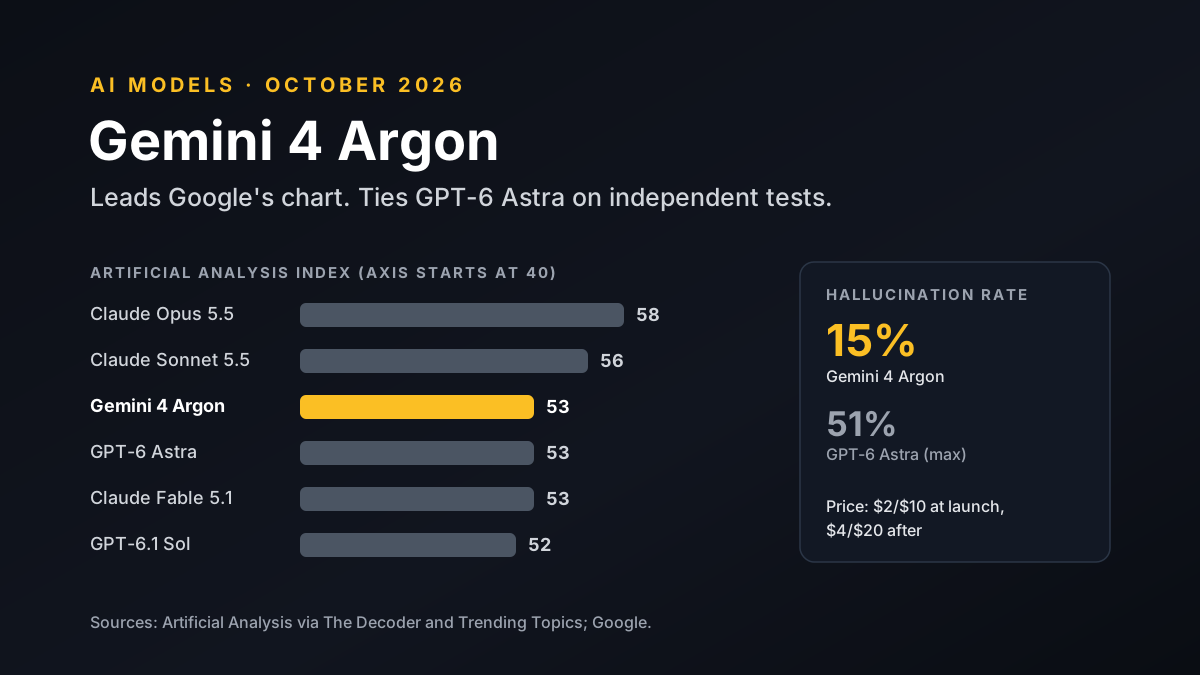
Gemini 4 Argon Benchmarks: What Independent Tests Show
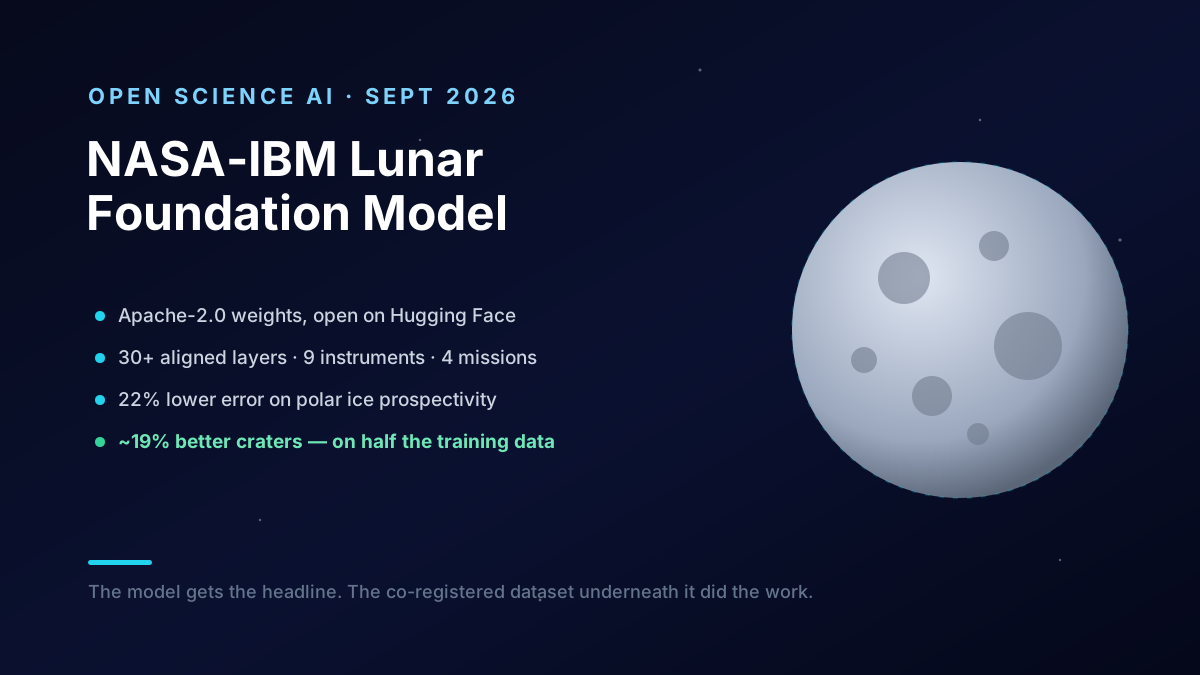
The NASA-IBM Lunar Foundation Model: What It Teaches
Computer-Use Agents: An Engineer's Production Guide