July 6, 2026
The Hidden Energy Cost Of AI Agents: What KAIST's 136.5x Finding Means For MLOps And Data Pipelines
The Hidden Energy Cost Of AI Agents: What KAIST's 136.5x Finding Means For MLOps And Data Pipelines guide for production teams: compare workflow fit, risk.
Article focus
The hidden energy cost of AI agents: what KAIST's 136.5x finding means for MLOps and data pipelines is that production teams must measure the whole agent workflow, not only the model prompt.
Section guide
The hidden energy cost of AI agents: what KAIST's 136.5x finding means for MLOps and data pipelines is that production teams must measure the whole agent workflow, not only the model prompt. The expensive part is often the chain around the model: planning, tool calls, browser actions, retrieval, code execution, retries, reflection, and human escalation.
That matters for product, ops, and data teams because agentic AI looks conversational at the interface but behaves like a distributed workflow behind the scenes. At Van Data Team, we start by mapping the workflow pressure first: where the agent gets context, which tools it can call, when it should stop, and what must be visible in dashboards before the workflow scales. That is where our AI and data engineering services connect agent design to data pipelines, reporting, review gates, and platform delivery.
According to the KAIST official release via EurekAlert, tool-heavy autonomous agents can consume up to 136.5 times more energy per query than conventional chatbot-style question answering. The practical output of this guide is a production framework for deciding when an agent is justified, what to trace, how to cap loops, and how to redesign data pipelines so autonomy does not become an unmanaged infrastructure job.
Tooling And Landscape Fit
Do not evaluate the topic in isolation. Compare the main approach against adjacent frameworks, orchestration choices, and runtime controls so the reader can see when each option fits.
Review adjacent options such as LangGraph, LangChain, CrewAI, native function calling, MCP, Airflow, dbt before choosing the implementation path.
Operational Budget
Before production rollout, score each candidate on accepted-output cost, latency, token budget, retry rate, reviewer minutes, failure recovery, and evaluation results. Vendor token pricing is only the starting point; the useful metric is cost per approved workflow result.
Key Takeaways
AI agent energy control starts with workflow-level measurement, loop budgets, and routing decisions before large-scale deployment.
- KAIST's finding is not just a model-efficiency story; it shows that agent workflows can multiply energy use through repeated planning, tool use, observation, and self-reflection.
- In coverage of the KAIST study, The Korea Times reports that an agent built on a 70-billion-parameter LLM consumed an average of 348.41 watt-hours per complex query.
- Mirage News reports that agentic response time can increase by up to 153.7 times while GPUs can sit idle for as much as 54.5 percent of total execution time during external tool waits.
- MLOps teams should treat energy per workflow, GPU utilization, retry count, tool wait time, and escalation rate as production signals next to latency, accuracy, and cost.
- The mistake we see is letting an agent browse, retry, and reflect when a deterministic pipeline, retrieval workflow, cached context layer, or human-reviewed queue would do the job with less operational risk.
| Production question | Standard chatbot path | Agentic workflow path |
|---|---|---|
| Main unit of work | A prompt and answer | A workflow with planning, tools, observations, retries, and review |
| Cost driver | Model inference | Invocation amplification plus external-tool wait time |
| Energy signal | Energy per answer | Energy per completed workflow |
| Infrastructure issue | Model serving efficiency | Model serving, orchestration, tool latency, GPU idle time, and queue design |
| KAIST warning | Baseline comparison | Up to 136.5 times more energy per query in tool-heavy autonomous workflows |
What KAIST Actually Found
KAIST found that tool-heavy autonomous agents can multiply energy use because they turn a user request into a chain of model calls, tool calls, waits, retries, and reflections.
The KAIST release reproduced by Mirage News frames the issue as a quantitative look at the electricity and cost required to implement agentic intelligence, not just generative answering. The high-impact point is simple: teams should treat agentic AI as an infrastructure workload, not only a model-output problem.
That matters because it shifts the operating question. Teams should not ask only, "Which model is cheaper?" They should ask, "How many model invocations, tool waits, retries, and validation steps does this workflow create?"
The Korea Times coverage explains the mechanism: planning, tool use, and self-reflection each trigger additional LLM invocations. A chatbot may answer once. An agent may plan, search, call an API, inspect the result, revise the plan, execute code, retry a failed tool call, and then ask the model to judge whether the answer is good enough.
That is invocation amplification. It is the reason an apparently simple interface can become a long-running infrastructure workload.
The nuance is important. Digital Trends notes that the 136.5x result should be treated as an upper-bound warning for complex, tool-heavy workflows, not the default cost of every agent task. That is the right way to read the finding. It is not a reason to stop building agents. It is a reason to stop deploying them without traces, budgets, and workflow-specific controls.
Why MLOps Needs Energy SLOs
MLOps teams now need energy and utilization signals because agent reliability depends on the whole workflow, not just model output quality.
A production AI team already tracks latency, accuracy, uptime, error rate, cost, and sometimes token volume. Agentic systems add a different class of signals: tool wait time, repeated model calls, GPU idle time, retry loops, browser automation overhead, retrieval duplication, and escalation burden.
The KAIST finding turns energy into an operating metric. For practical teams, that does not mean guessing the exact electricity bill from every trace. It means instrumenting enough of the workflow to see which agent paths are expensive, slow, idle, or wasteful.
A useful trace should show:
- Model calls by workflow step
- Tool calls by system and outcome
- Retrieval calls and cache hits
- Retry count and retry reason
- Tool wait time
- GPU utilization or idle intervals where available
- Latency by step
- Cost estimate by run
- Escalation and human review outcome
- Final task success or failure
This is where AI agent development becomes production engineering instead of prompt assembly. A useful agent has permissions, budgets, fallback behavior, audit trails, and review points. It also has an owner who can explain why an agent was allowed to spend more compute on one workflow than another.
A concrete example: a data quality agent investigates failed warehouse loads. The first version checks orchestration logs, queries metadata, opens recent transformation failures, asks the model to reason about root cause, and drafts a fix. Without controls, every incident can trigger repeated log reads and self-reflection loops. With controls, the agent first checks known failure signatures, retrieves cached run context, uses structured metadata before free-form browsing, and escalates when confidence remains low after the allowed budget.
The second version is not less intelligent. It is better operated.
What Changes In Data Pipeline Design
AI agents should be treated as pipeline workloads because they move context, call tools, wait on systems, transform evidence, and produce outputs that require validation.
This is the part many teams miss. The user sees a chat box. The platform sees orchestration. An agent may pull from a warehouse, search a knowledge base, call a ticketing API, execute code, write a draft, request approval, and update a downstream system. That is a pipeline with probabilistic reasoning inside it.
Pipeline design choices now affect energy, cost, and latency.
Some workflows should run as batch jobs. An analytics agent that summarizes yesterday's product metrics does not need to wake up a high-cost reasoning loop every time a manager asks the same question. A scheduled job can precompute context, cache explanations, and let the agent answer from prepared material.
Some workflows should be event-driven. A pipeline failure, fraud signal, or customer escalation may justify an agent run because the event is specific, time-sensitive, and high value.
Some workflows should be human-reviewed queues. If an agent is drafting policy changes, financial adjustments, data deletion actions, or customer-facing decisions, the right design is not full autonomy. It is a workflow where the agent gathers evidence and proposes action, while a human approves the final step. Van Data Team has written separately about AI agents with human review, and the energy angle strengthens that case: review gates stop low-confidence agents from repeating expensive actions.
Data teams should also revisit ingestion patterns. The decision between batch, streaming, and event-driven processing is not only about freshness. It now affects whether the agent is forced to reason in real time or can use prepared context. For teams making that tradeoff, our guide to choosing batch vs streaming is the right companion piece.
A Framework For Lower-Cost Agent Operations
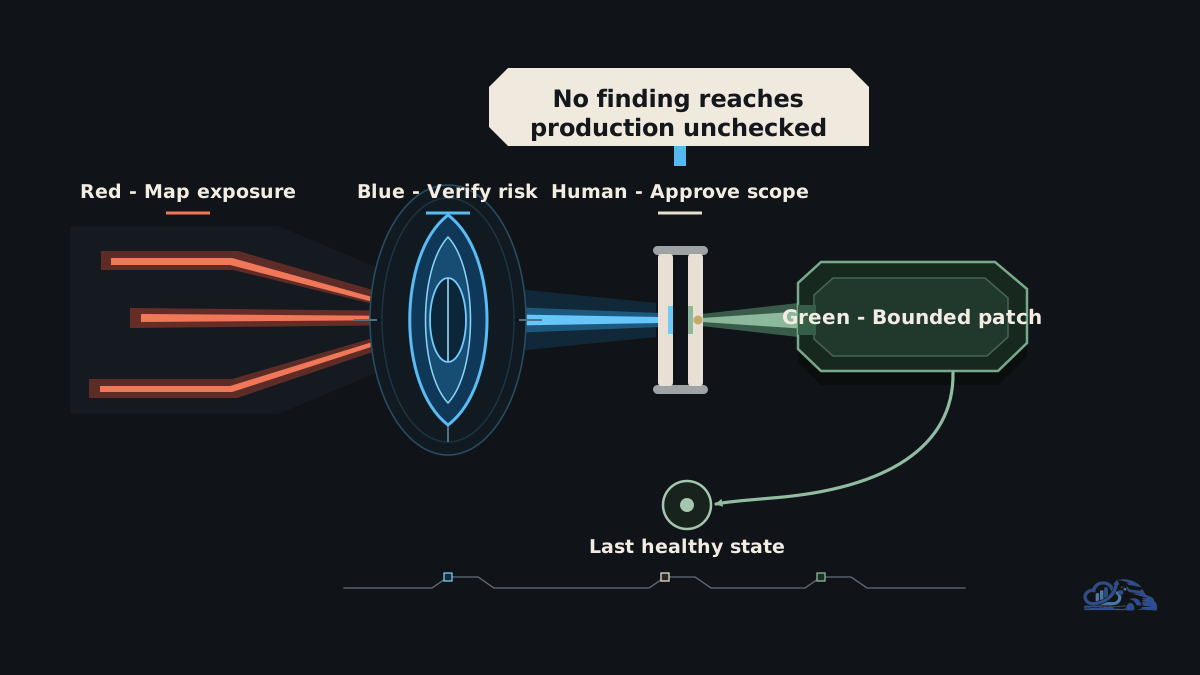
A lower-cost AI agent operation uses deterministic systems where they fit, reserves autonomy for ambiguous work, and traces every expensive decision point.
The framework is straightforward: measure, route, budget, execute, review, and optimize.
Measure before optimizing
Start with traces, not opinions. If you cannot see model calls, tool calls, retry count, latency, cache use, and escalation outcome, you cannot tell whether the cost sits in the model, the tools, the data access pattern, or the loop design.
A dashboard for agent operations should show workflow-level views, not only model-level charts. The core question is: which business workflow consumed the compute, and did the result justify it?
Route by task complexity
Not every request deserves an agent. Use deterministic code for stable rules. Use retrieval when the answer already exists in trusted documentation. Use batch jobs when freshness can wait. Use human review when the decision has high downside risk. Use an autonomous agent when the task requires dynamic investigation across changing context and the value of resolution justifies the cost.
| Use case | Better default | Why |
|---|---|---|
| Repeated metric summary | Batch pipeline plus cached narrative | The same context is reused many times |
| Known support answer | Retrieval workflow | The answer exists in approved knowledge |
| Pipeline incident investigation | Agent with tool budget and escalation | The task may require evidence gathering |
| Risky customer-facing action | Human-reviewed agent workflow | The final decision needs accountability |
| Ad hoc research across unknown sources | Agent with strict source and loop limits | Autonomy helps, but browsing can run away |
Cap agent loops
Loop budgets are not cosmetic. They are production controls. Set limits on planning steps, browser actions, code execution attempts, tool retries, and self-reflection. When the agent cannot reach confidence inside the budget, escalate.
This improves cost and reliability at the same time. A runaway agent is rarely just expensive; it is often confused.
Optimize data access
Structured data beats repeated browsing. If the agent needs customer status, pipeline run metadata, pricing rules, or product documentation, give it a clean interface. Do not force it to search, scrape, parse, and reason through the same material repeatedly.
Precompute context where possible. Cache retrieval results. Use narrow tool permissions. Prefer structured APIs over browser automation. Batch low-priority tool calls. Queue work so accelerators spend more time serving inference and less time waiting on external systems.
This is also where cloud cost work intersects with agent design. The same discipline used to optimize data stack infrastructure cost applies here: map spend to workflows, remove waste, and keep delivery speed intact.
A Practical Runbook Artifact
A useful agent energy runbook defines budgets, traces, routing rules, review gates, and recovery behavior before the workflow reaches production.
Use this as a starting artifact for an MLOps review. Fill the placeholders with values measured from your environment, not copied from another team.
select
  workflow_id,
  count(*) as checked_records,
  sum(case when validation_status = 'failed' then 1 else 0 end) as failed_records
from the_hidden_energy_cost_of_ai_agents_what_kaist_s_136_5x_validation_events
group by workflow_id;
The value of this artifact is not the YAML. The value is the conversation it forces. If the team cannot name the fallback path, reviewer decision, retry reason, or audit log location, the agent is not production-ready.
A concrete implementation scope from Van Data Team would usually include a scoped workflow review, signal map, trace schema, dashboard gap review, guardrail plan, and delivery estimate for the first production workflow. That can sit inside a broader production data engineering engagement or a narrower agent hardening sprint, depending on what is already built.
Common Failure Modes
The most common agent cost failures come from measuring the wrong unit of work and giving autonomy to workflows that needed structure instead.
The first mistake is treating the KAIST result as a universal average. KAIST showed what can happen in tool-heavy autonomous workflows. A small routing agent with tight limits is not the same as a browser-heavy research agent with repeated reflection. Use the finding as a warning, not a slogan.
The second mistake is measuring only tokens. Token volume matters, but it misses external tool waits, orchestration overhead, repeated invocations, retrieval duplication, and GPU idle time. A workflow can look cheap at the prompt level while being wasteful at the infrastructure level.
The third mistake is letting agents browse when structured data would work. If the system already has warehouse metadata, ticket states, product docs, and customer records, expose those through controlled tools. Browsing should be the exception, not the default data access method.
The fourth mistake is skipping review gates. Human review is not only a compliance pattern. It is a cost-control pattern. A reviewer can stop a low-confidence workflow before it burns more compute trying to create certainty where the data is insufficient.
The fifth mistake is leaving cloud billing disconnected from agent traces. If finance sees a spend spike but engineering only sees model logs, nobody can explain which workflow changed. Tie traces to infrastructure metrics early.
Conclusion
The hidden energy cost of AI agents: what KAIST's 136.5x finding means for MLOps and data pipelines is ultimately a workflow architecture lesson. The model matters, but the larger production risk is the chain of planning, tool use, waiting, retrying, and reflecting around it.
AI agents can still be valuable. The responsible path is to make them observable, bounded, and routed. Measure the full run. Cap loops. Use deterministic systems where they fit. Precompute context. Keep accelerators busy. Add review gates where judgment or risk requires accountability.
For teams moving from prototype to production, Van Data Team can help turn the first agent workflow into an operating system: a scoped workflow review, signal map, trace design, dashboard gap review, guardrail plan, and implementation scope. That is the difference between a useful agent and an expensive workflow nobody can explain.
Article FAQ
Questions readers usually ask next.
These short answers clarify the practical follow-up questions that often come after the main article.
Need a similar system?
If this article maps to a workflow your team already operates, the next step is usually a scoped review of the system, constraints, and rollout path.
Book your free workflow review here.
Related articles
View all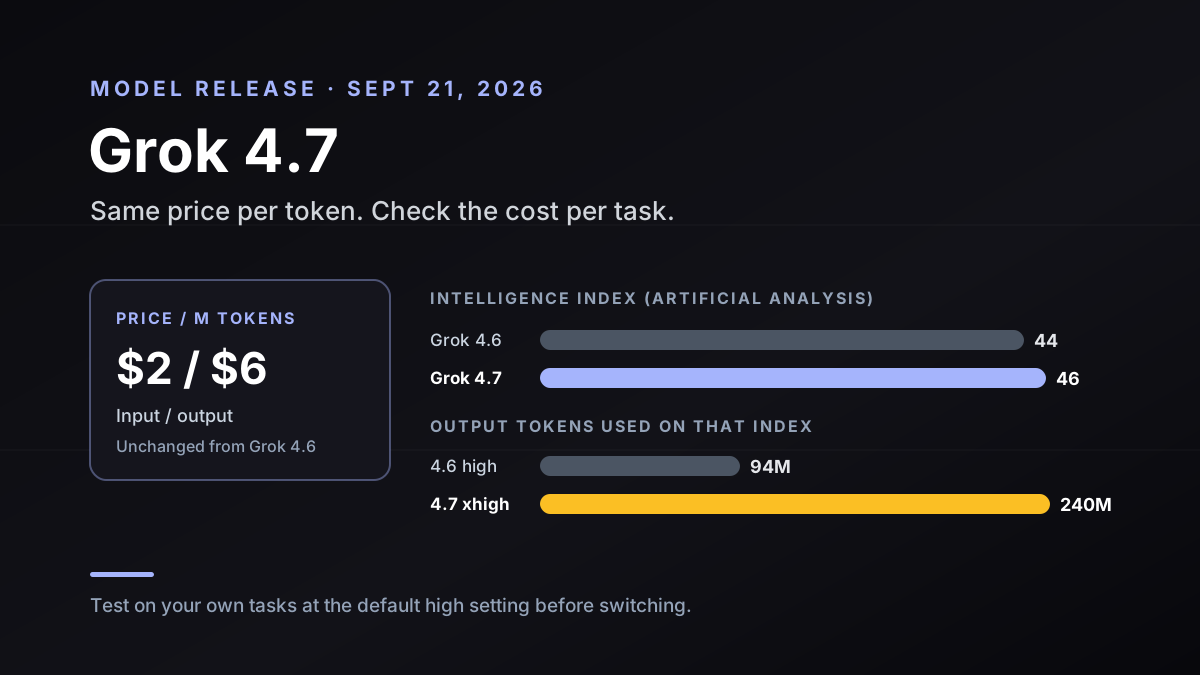
Grok 4.7: Same Price as Grok 4.6, but Check Cost per Task
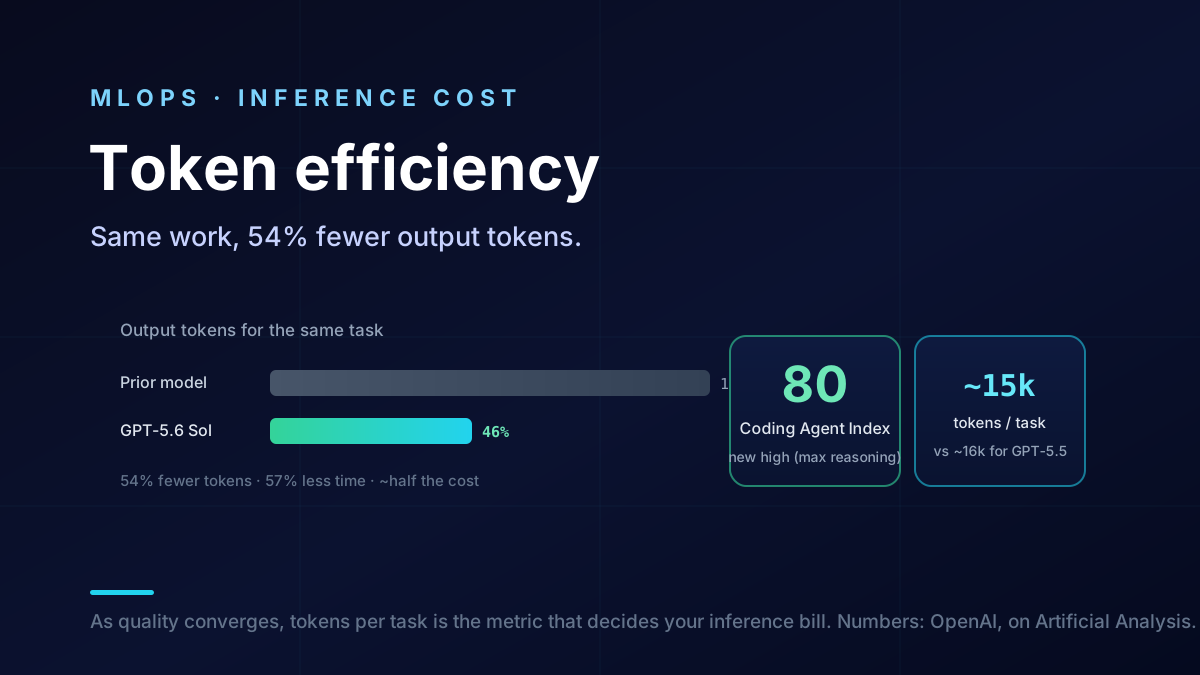
Token Efficiency: OpenAI's Full-Stack Bet
Grok 4.6 and Persistent VM Agents